Showing posts with label wga. Show all posts
Showing posts with label wga. Show all posts
Remove Watermark (Build Info) from Desktop in Windows Vista, 7 and Server 2008 (Both 32-bit and 64-bit) Including All Beta Builds and Service Packs
Hello Every one!
Here is a new technique for removing watermarks on your desktop that comes automatically when you install any new windows software's.
When we install a Beta or RC build of Windows Vista, 7 or Server 2008, or when we install a Beta or RC version of a Service Pack e.g. SP1, SP2, etc, a watermark is shown on desktop which looks similar to following screen-shot:

"Evaluation Copy", "For testing purpose only", "Test Mode", "Safe Mode" or similar text is shown in the watermark on Desktop.
It looks very ugly when you use dark wallpapers and becomes irritating sometimes. If you also don't like this watermark and want to get rid of it, here are 2 great tools to remove this watermark:
- Universal Watermark Remover
- Remove Watermark
Universal Watermark Remover
"Universal Watermark Remover" is an excellent small and portable utility created by "Orbit30" which can remove the ugly watermark from Windows Vista, 7 and Server 2008 Desktop. It works for both 32 and 64-bit versions of Windows.
Download Link (Mediafire)
Just download it using the above link, run the EXE file and follow the instructions. You'll need to restart your system to take affect.
Remove Watermark
"Remove Watermark" is another awesome portable tool created by "deepxw" which can remove watermark from Windows Vista , 7 and Server 2008 Desktop. It works for both 32-bit and 64-bit versions. Even it works for all languages and service packs.
Download the ZIP file , extract it and run the correct EXE file for your Windows Version. It'll ask for confirmation, press Y to confirm and patch the system file to remove watermark.
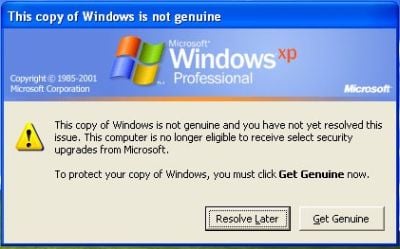
Remove Microsoft Windows Genuine Advantage Notifications
if we loose our product key we cannot verify microsoft genuine advantage notification.so in that case if you want to run the same os for some days with out the water mark on desktop,we can use following software to remove the water mark.